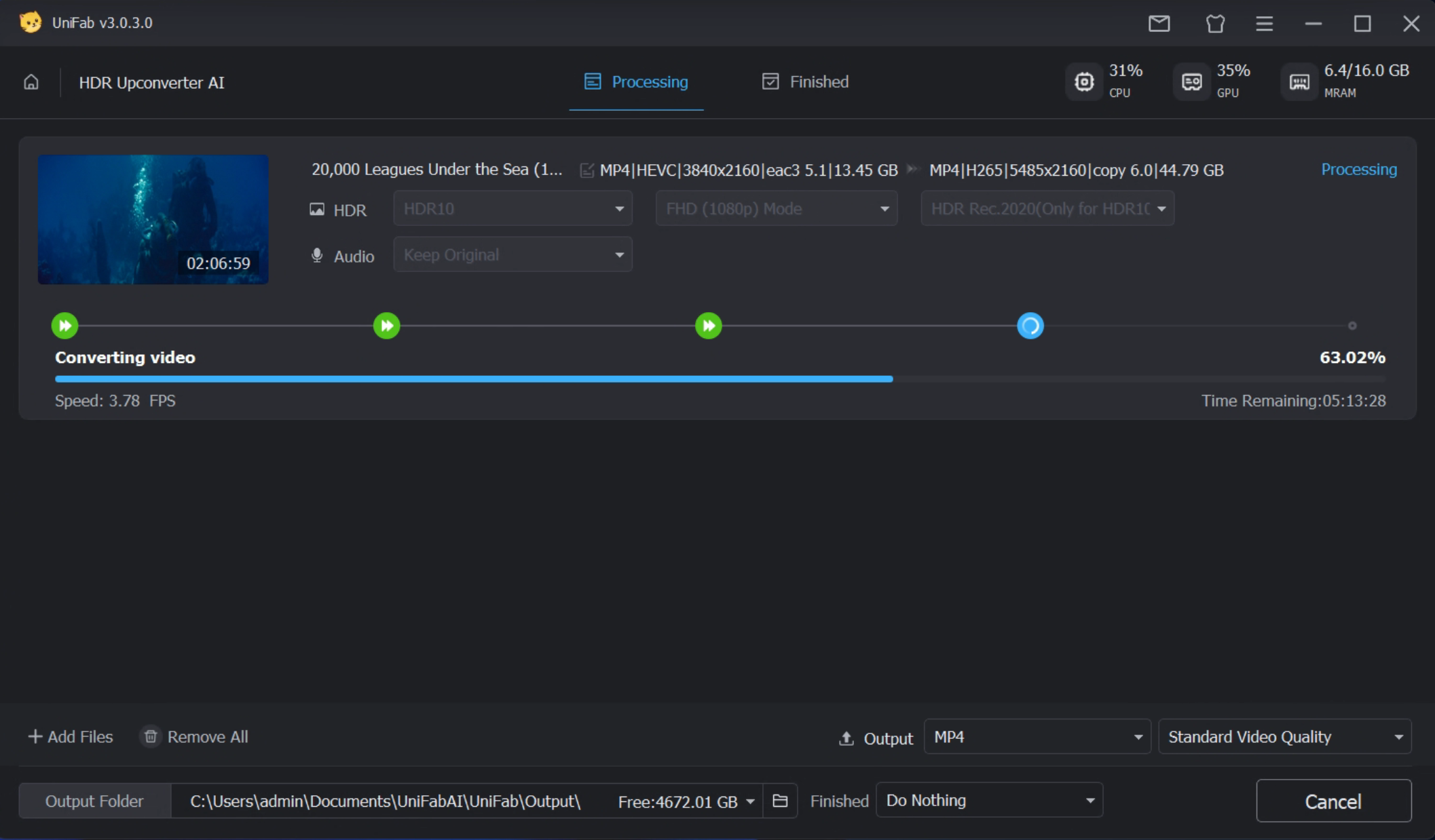
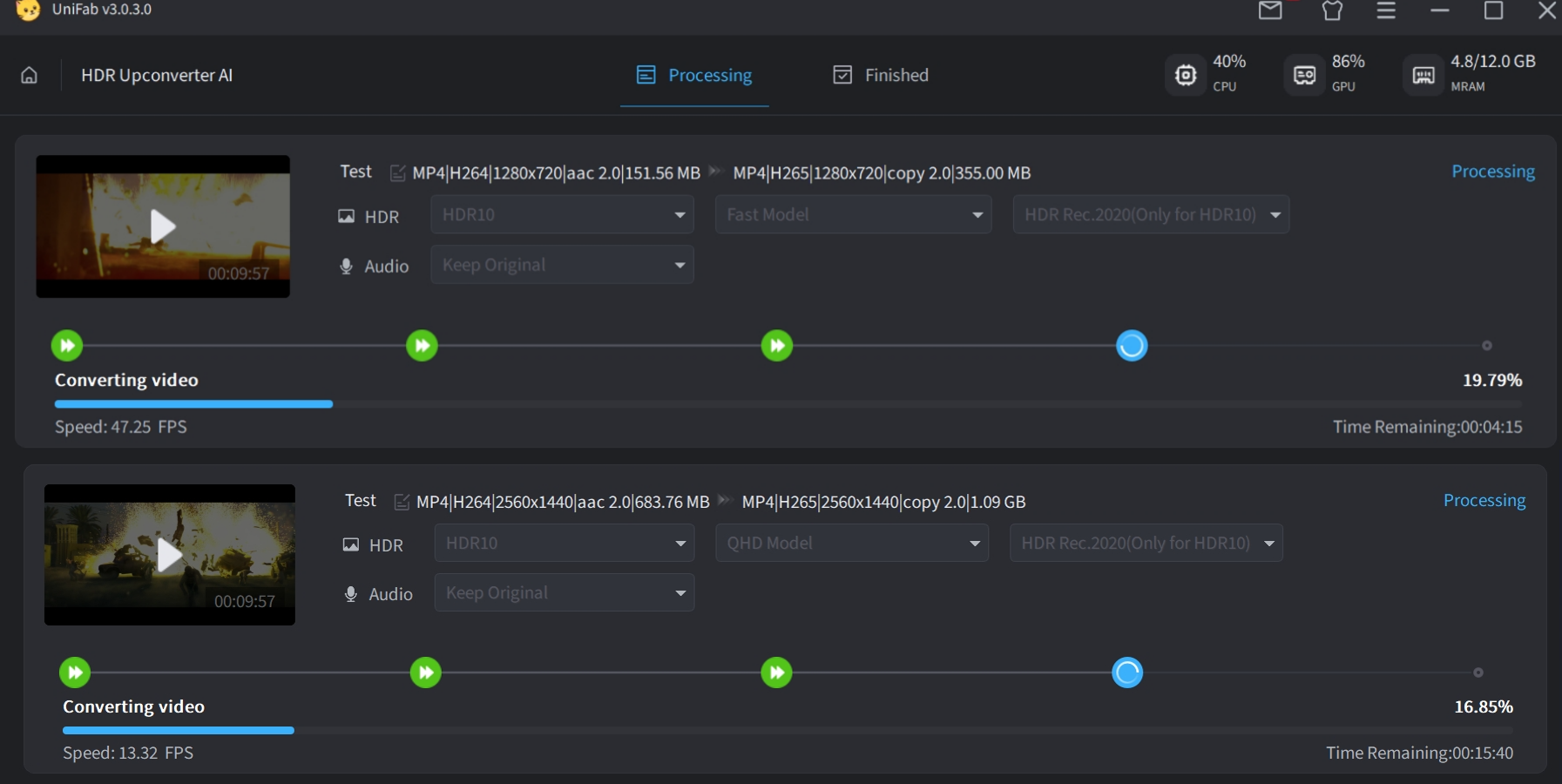
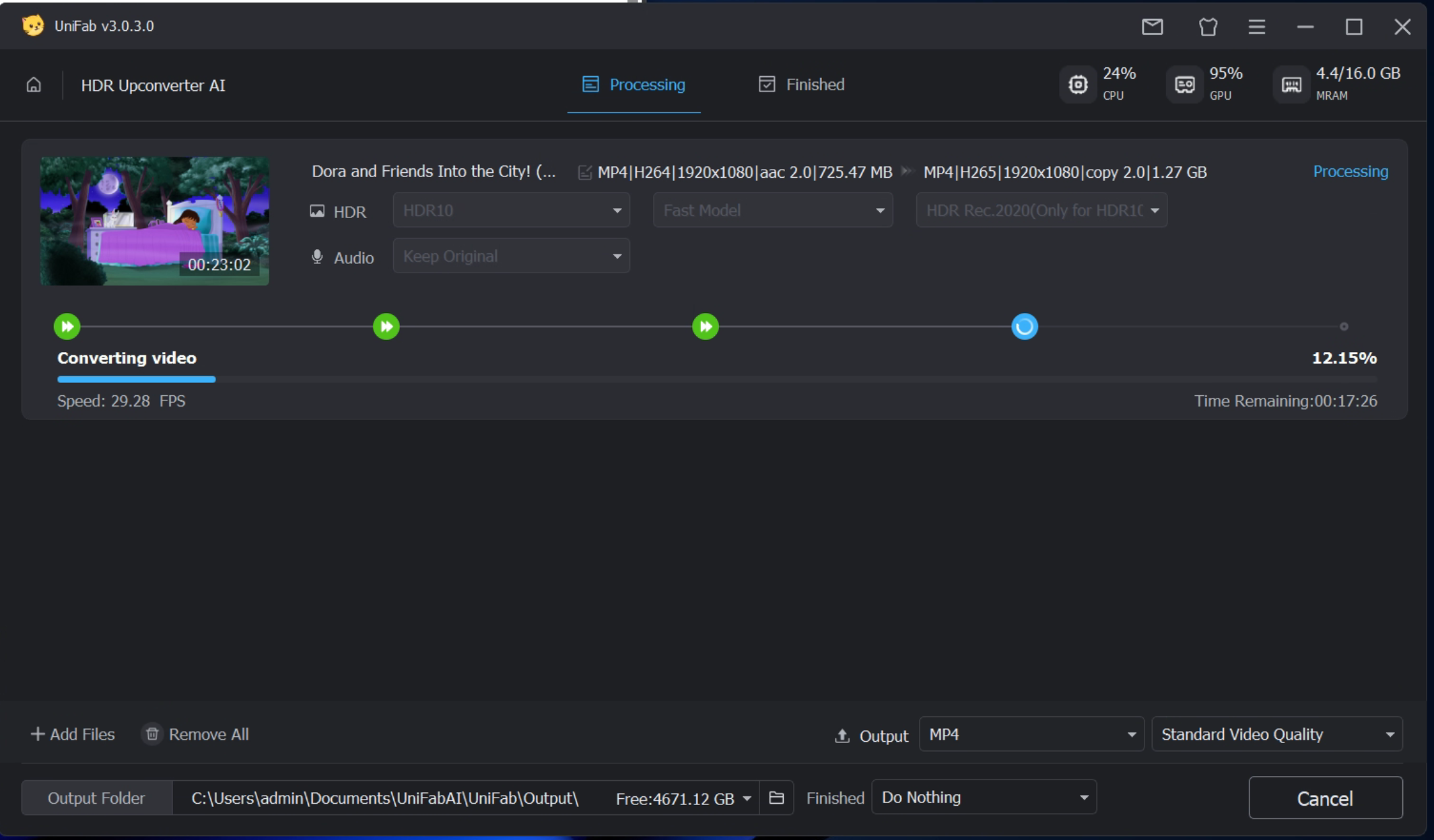
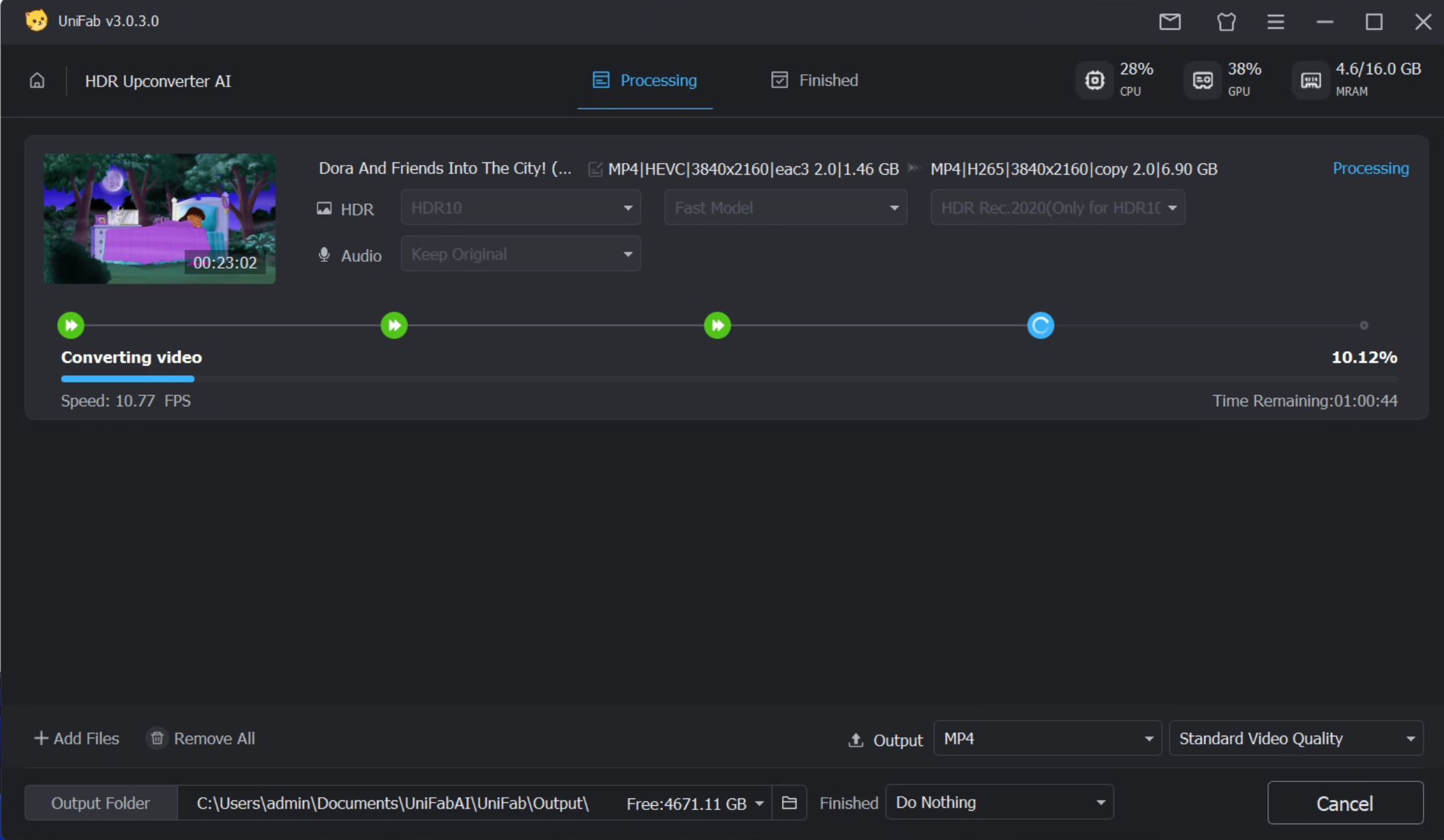
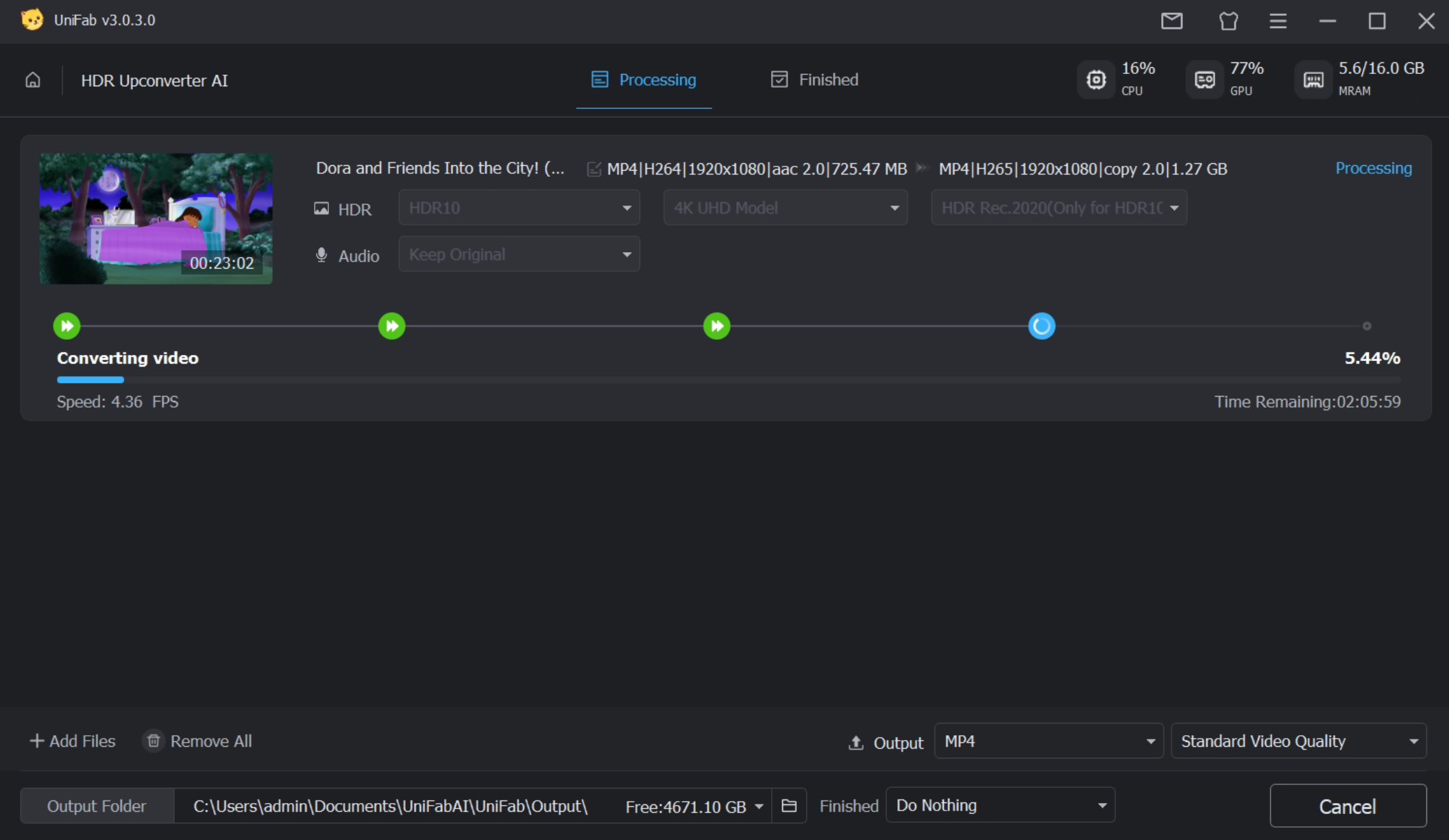
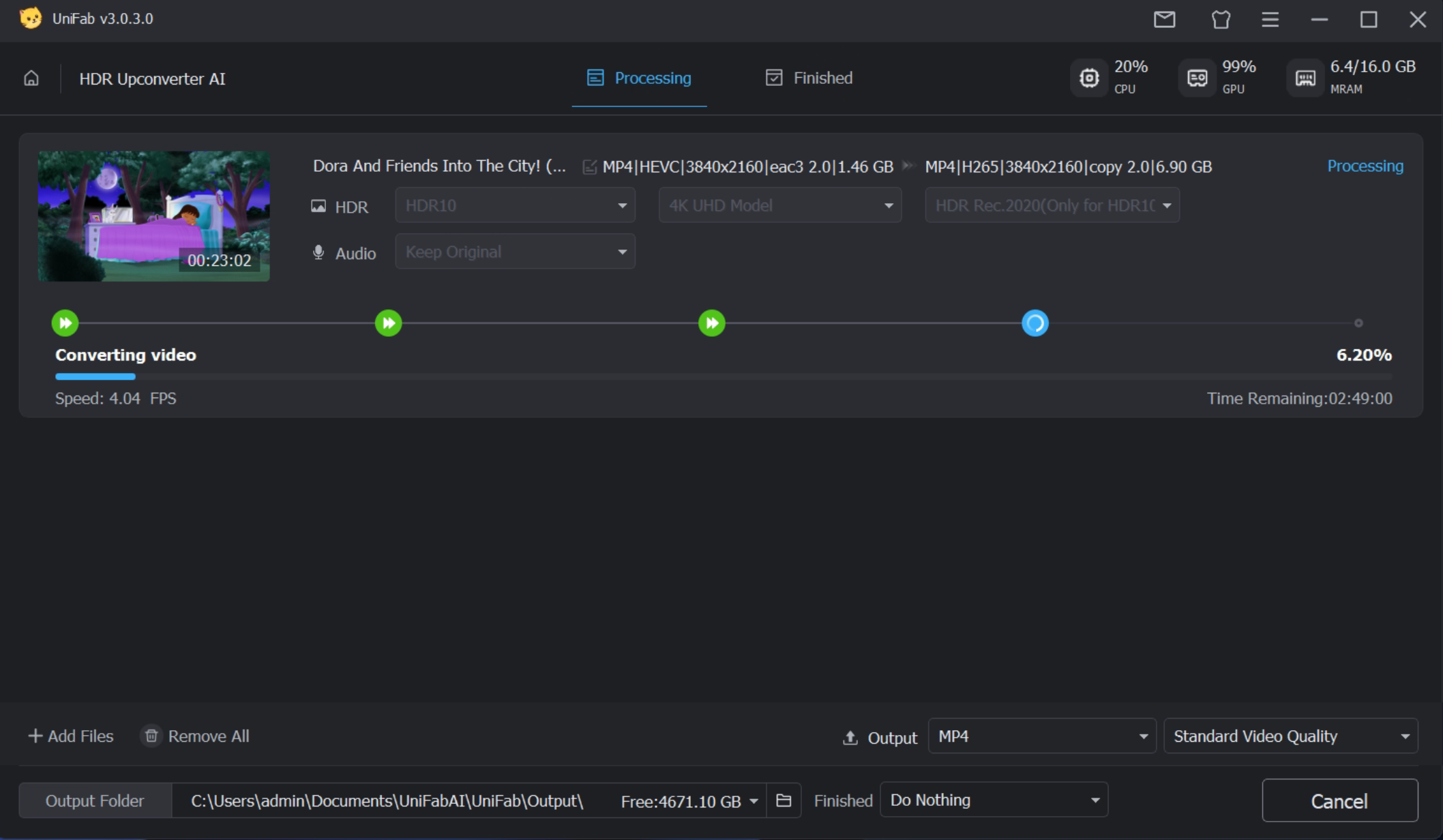
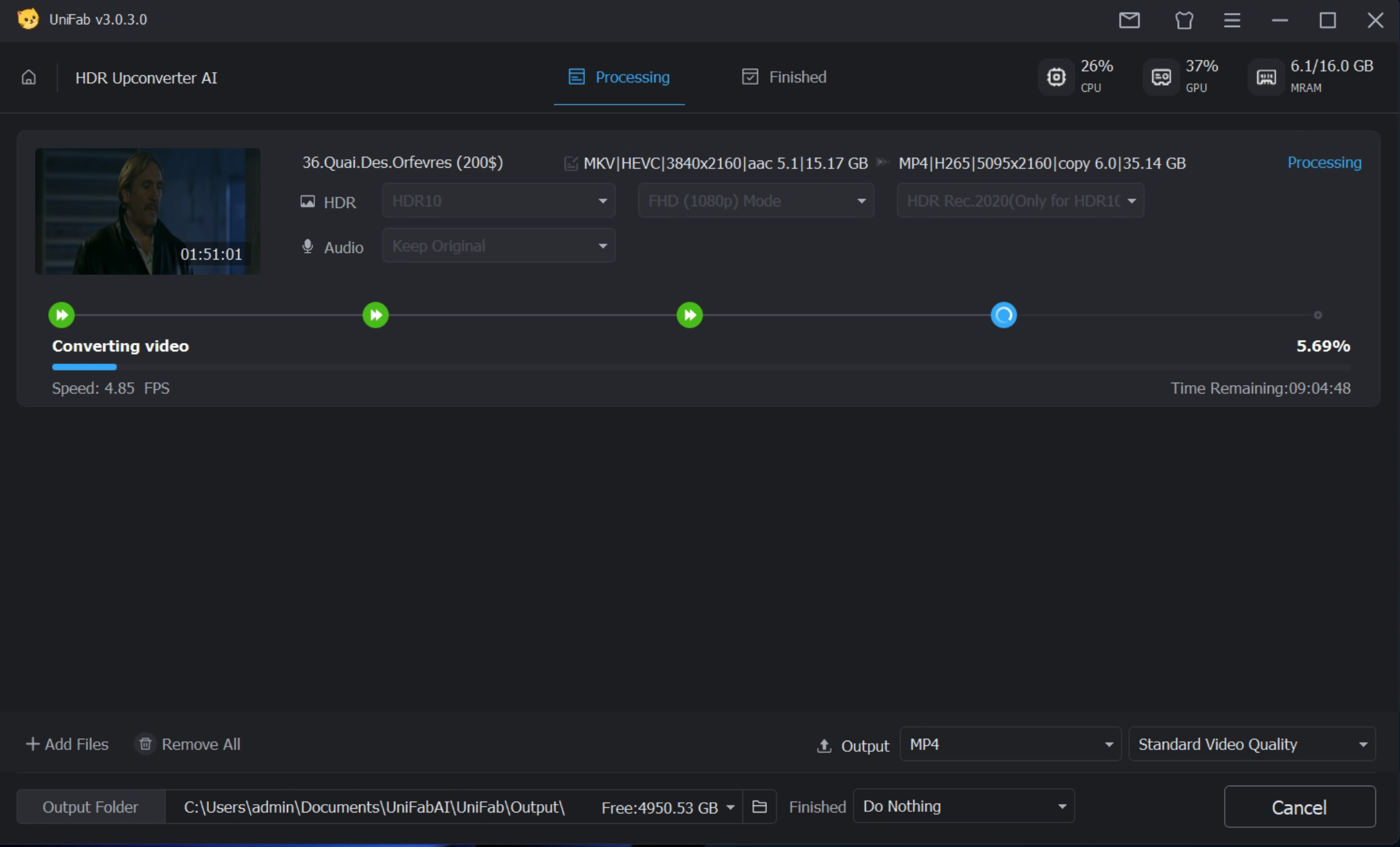
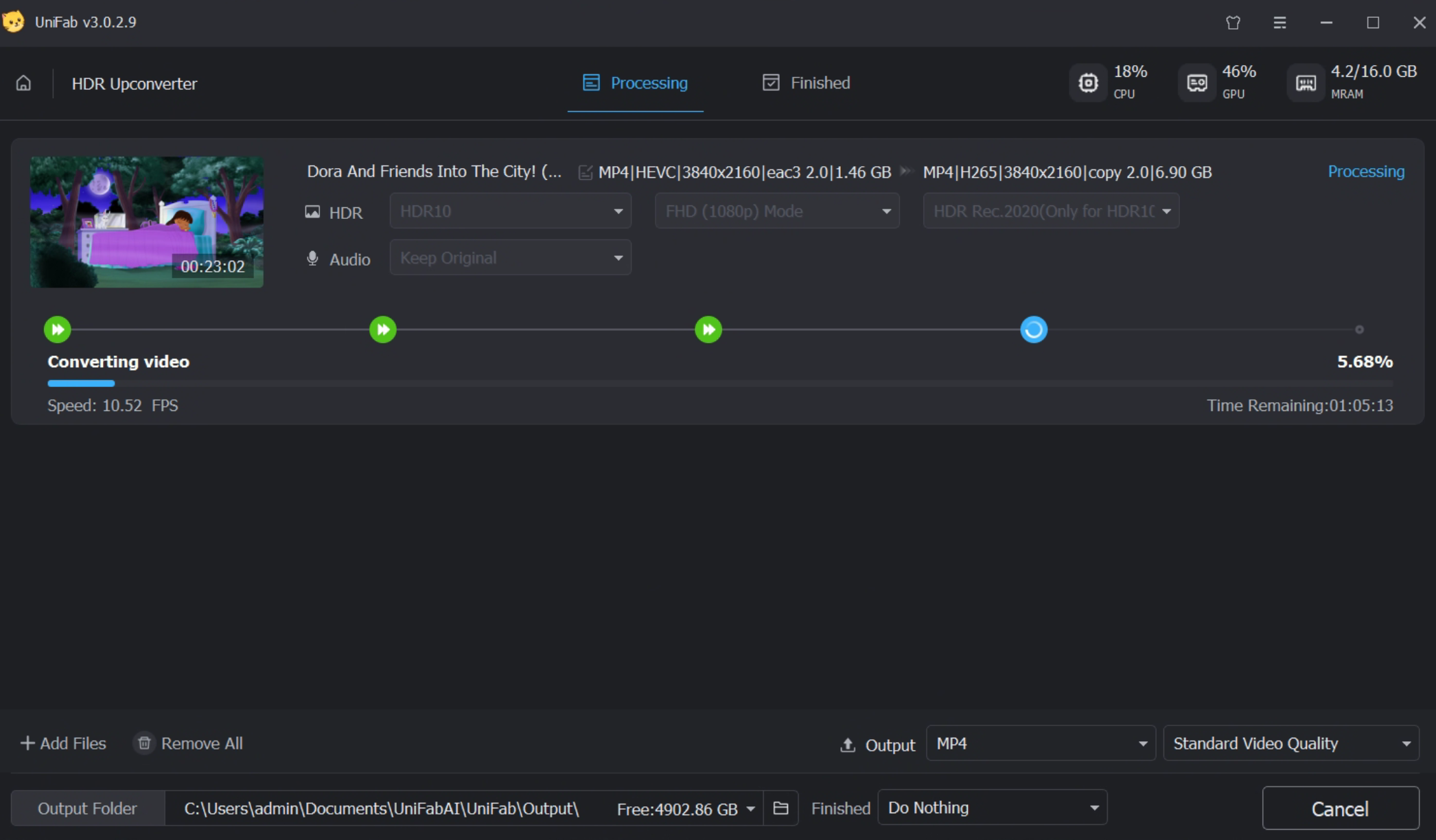
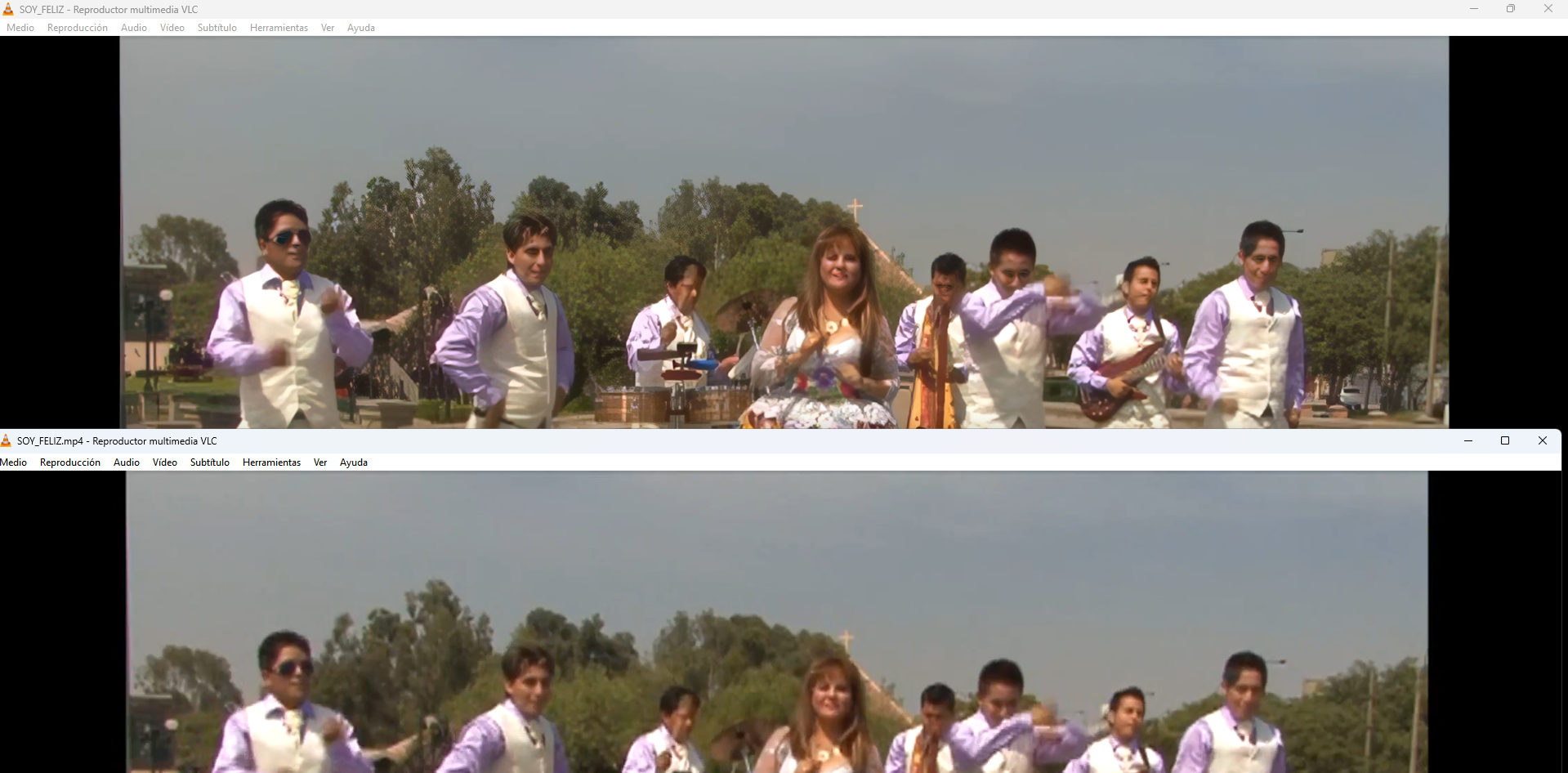
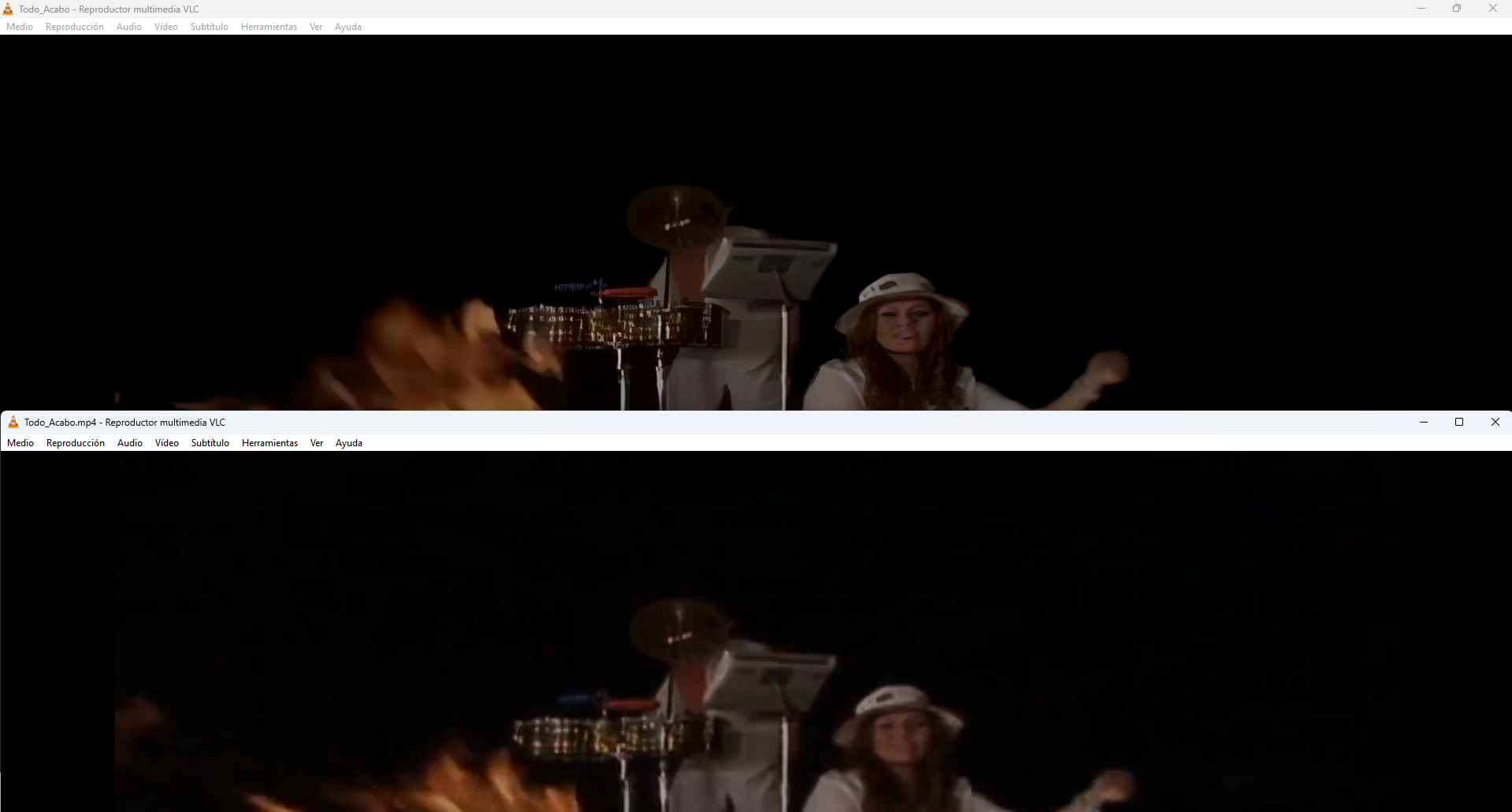
Here’s a concise, clear version of my solution for 3030 Video Colorizer not working and crashing the software every time.
—
💡 UniFab 4070 GPU Fix (Desktop Users)
If UniFab works on an older GPU (e.g., RTX 3070) but fails to detect a newer GPU (RTX 4070) on a desktop, the issue may be caused by your CPU’s integrated Intel graphics being prioritized.
Steps to fix:
Disable the integrated GPU in Device Manager (under “Display adapters”).
Reboot and enter the BIOS.
Navigate to:
Advanced → System Agent → Graphics Configuration → Primary Display
Set Primary Display = PCIe (so your discrete GPU is the default).
Save and reboot.
Launch UniFab — it should now detect the RTX 4070 and use it for AI colorization.
Notes:
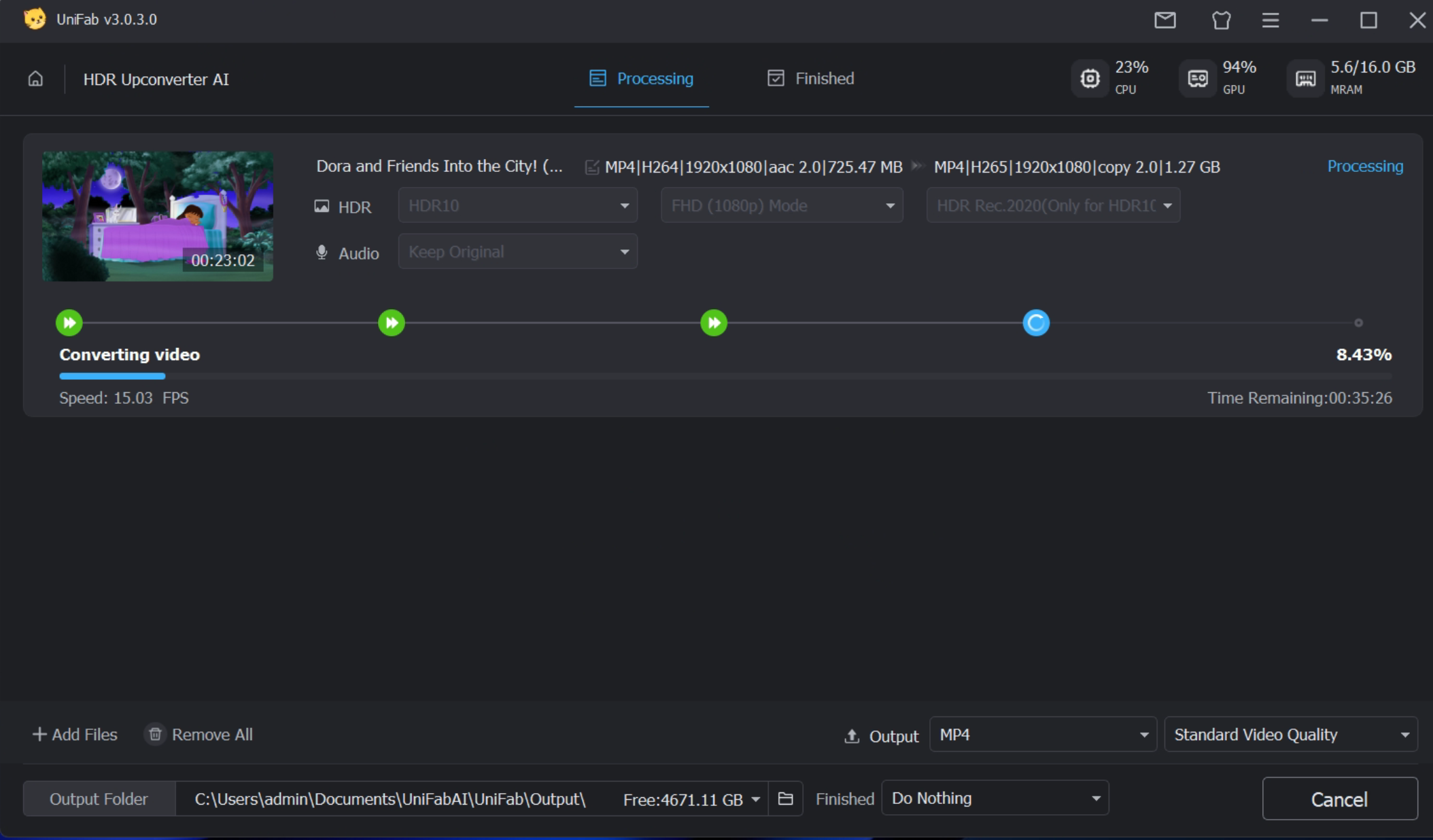
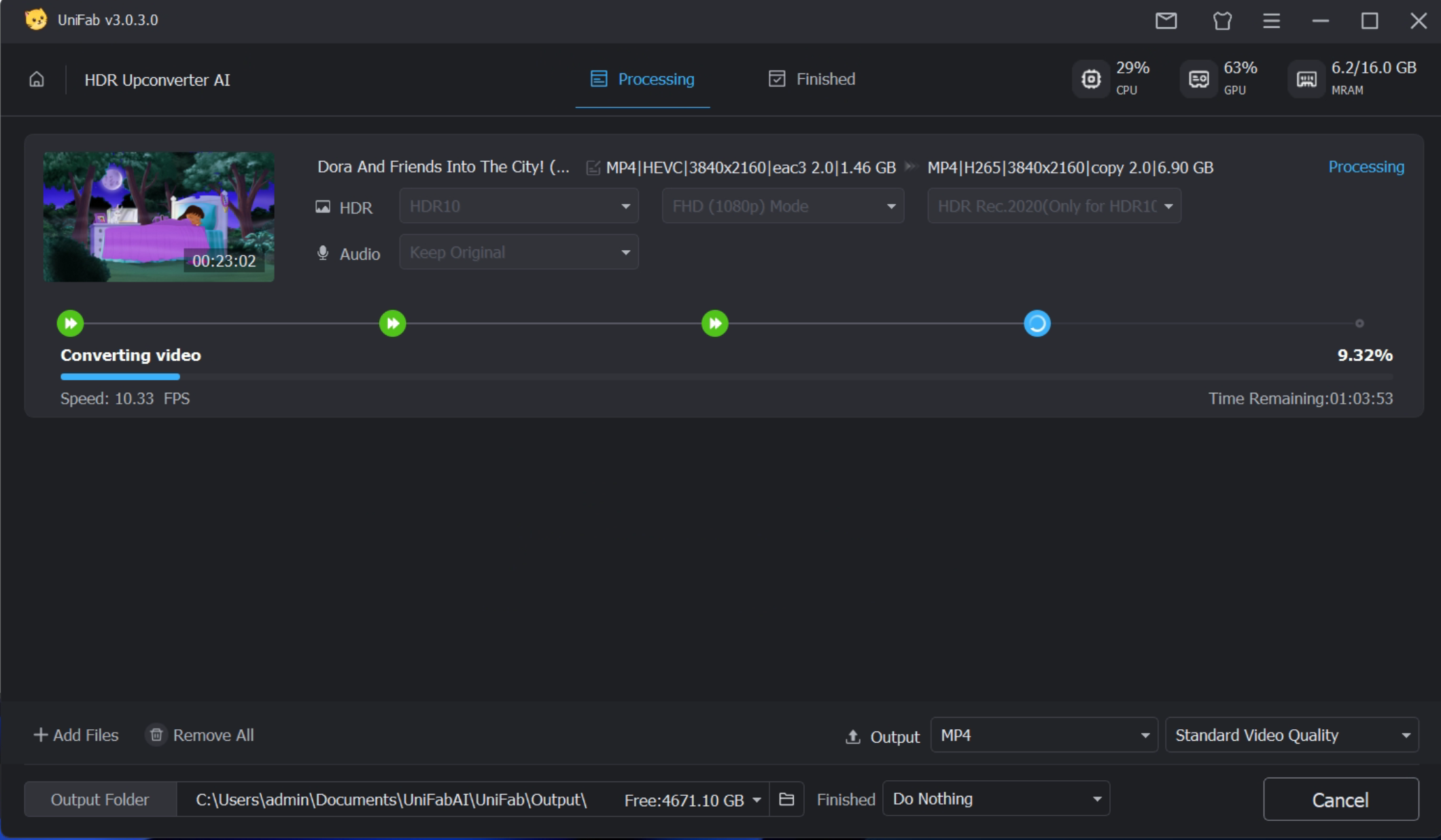
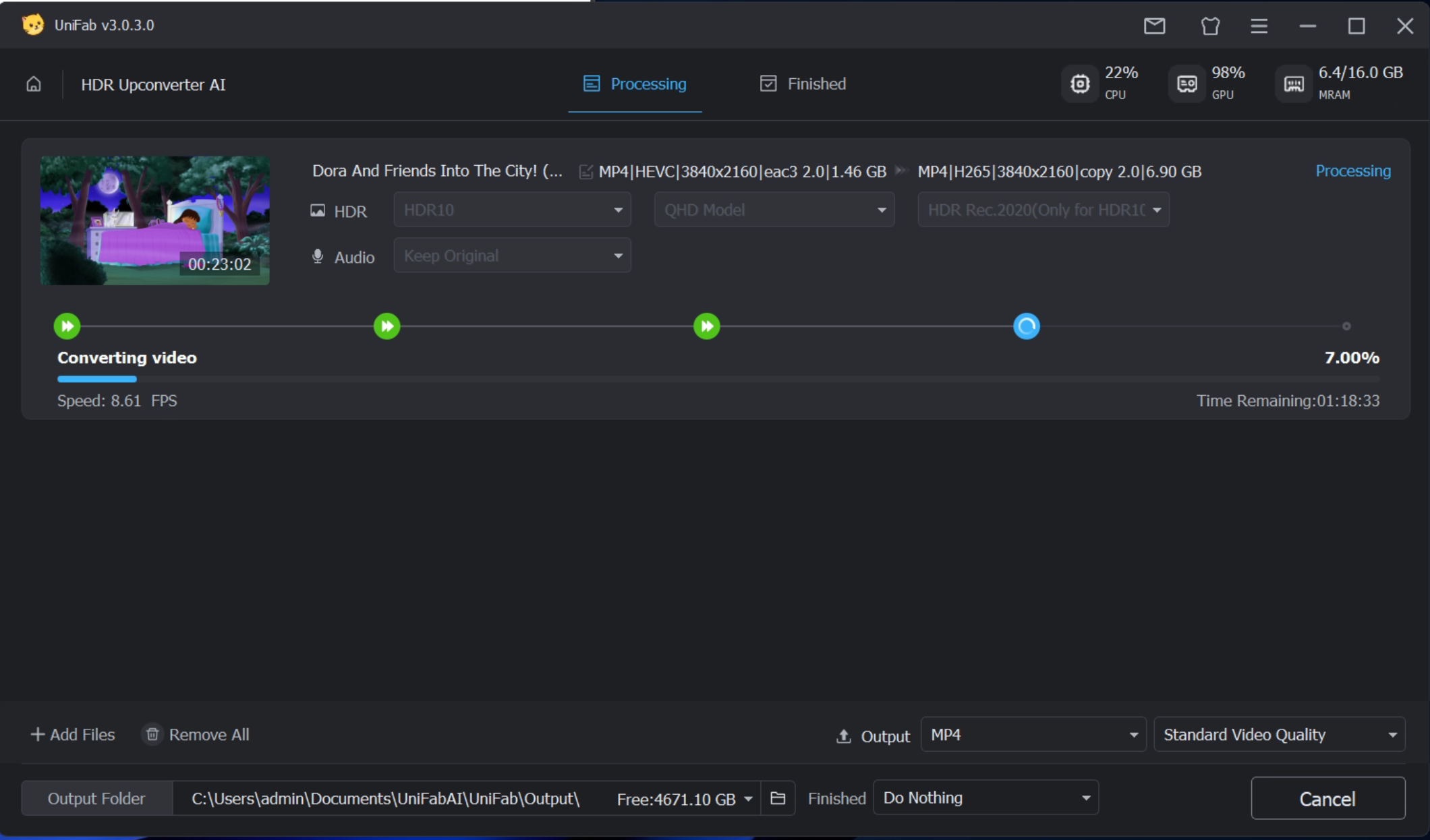
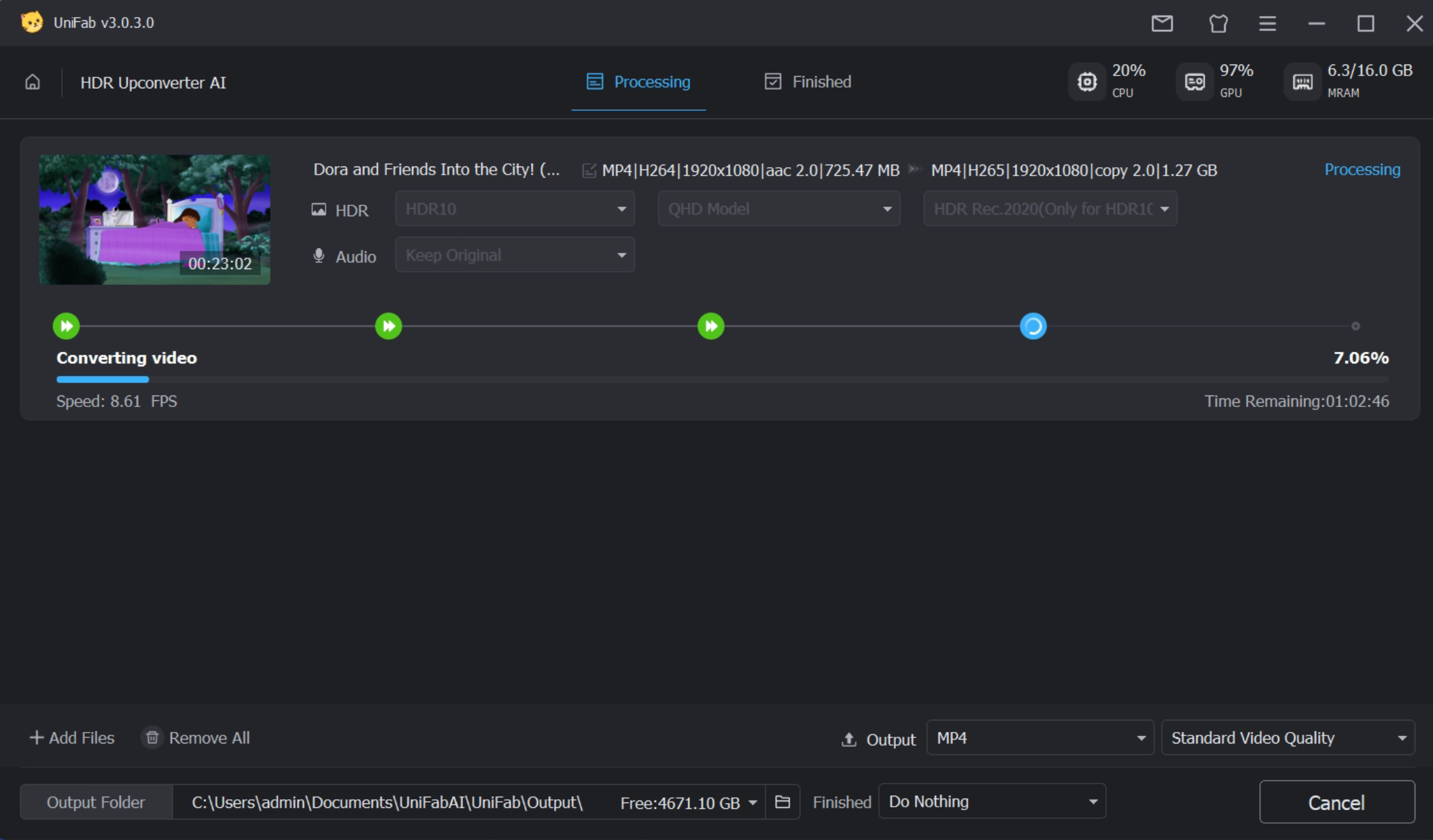
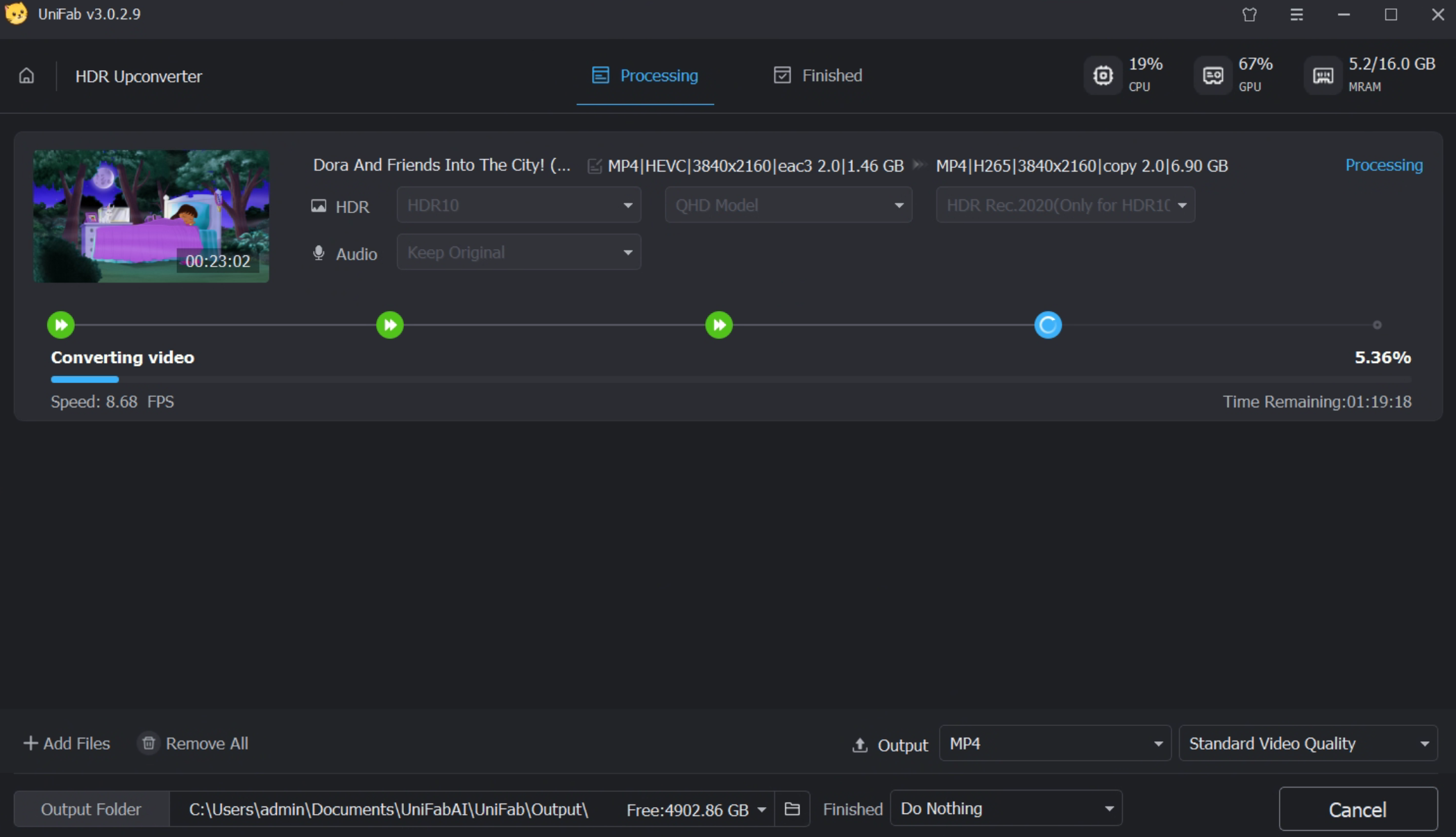
- At the start of colorization, GPU use may be low (CPU-heavy analysis).
- Utilization spikes once the AI model begins processing frames.
- Scene changes, camera angles, or close-ups can cause brief dips in GPU usage — this is normal, especially in multi-scene builds (e.g., 3.0.3.0).
✅ Result: UniFab now fully leverages the RTX 4070, giving better performance than on older GPUs.