Dear UniFab community users,
🎉UniFab 3032 will be released this week🎉
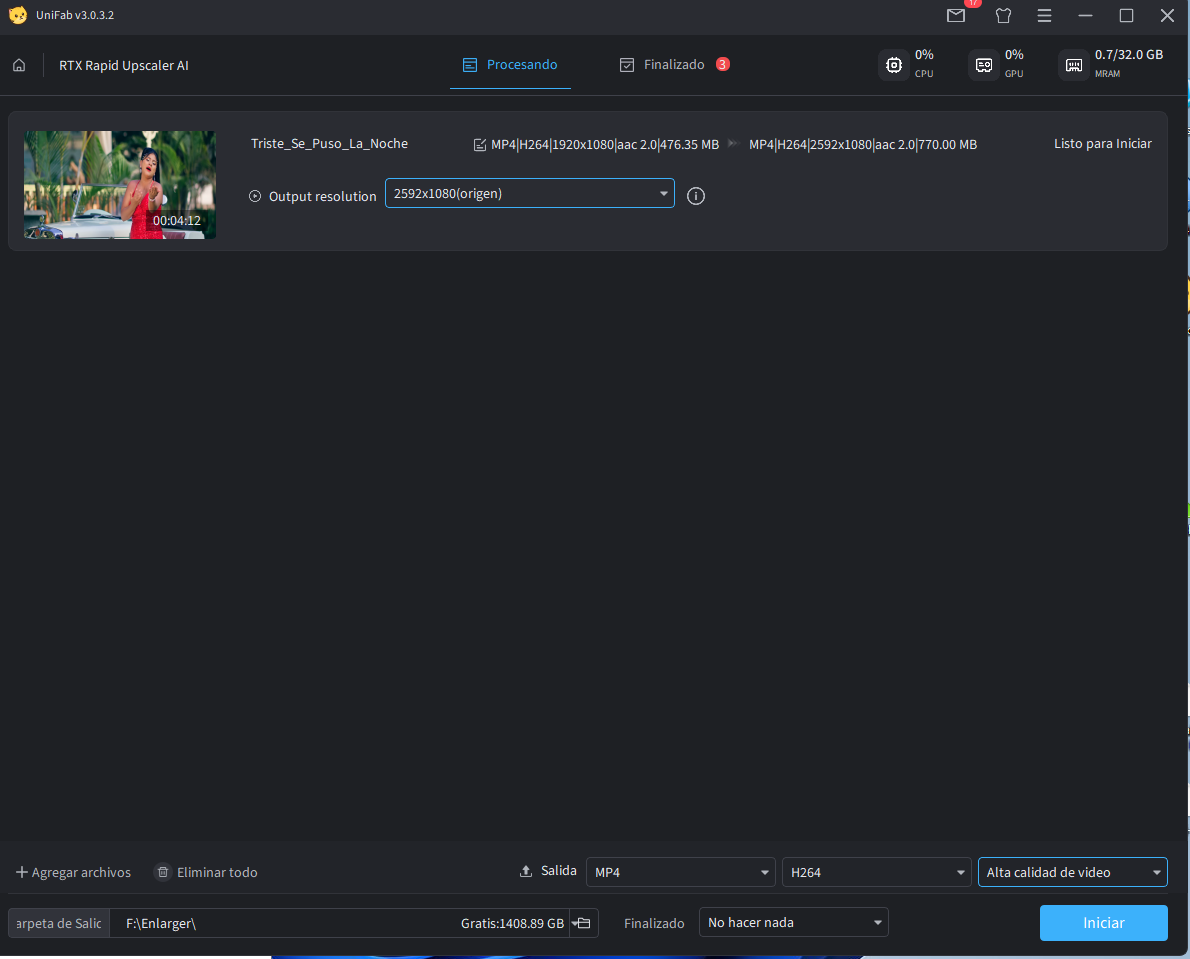
We are excited to proudly introduce a brand-new feature — RTX Rapid Upscaler AI.
🔗 Article Link: New Features | UniFab RTX Rapid Upscaler AI Features in Detail
Powered by the strong AI computing capabilities of NVIDIA RTX graphics cards, this feature delivers deep enhancements in video super-resolution and artifact suppression.
It supports importing HDR and Dolby Vision sources, bringing a clearer and more refined visual experience to your video projects.
🚀 RTX Rapid Upscaler - Core Features
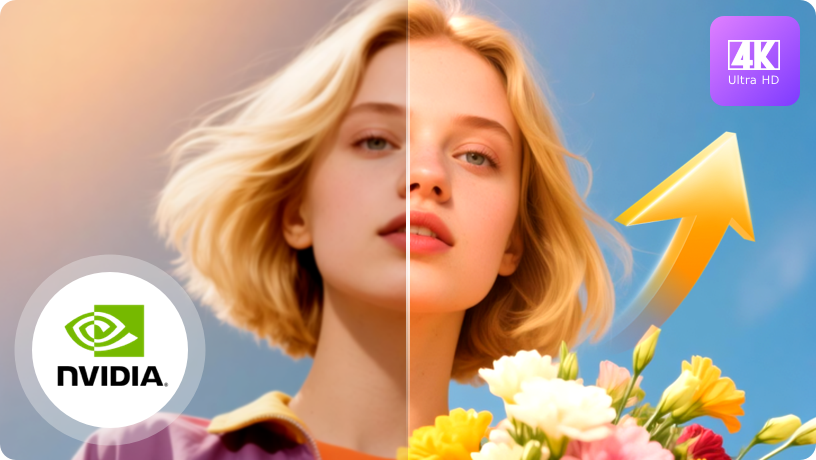
💫One-click super-resolution magnification and artifact reduction
Super-resolution enhancement & artifact reduction
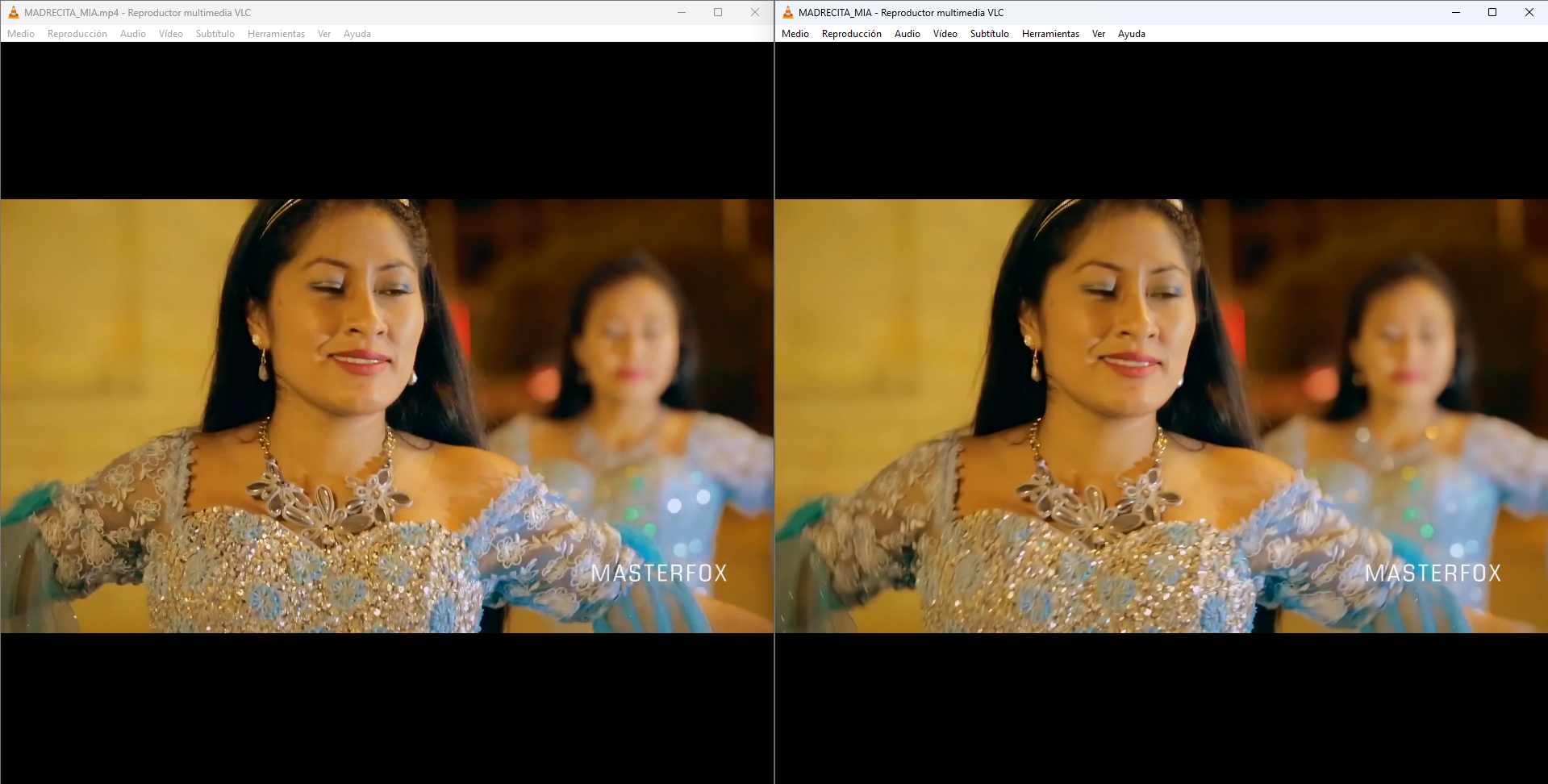
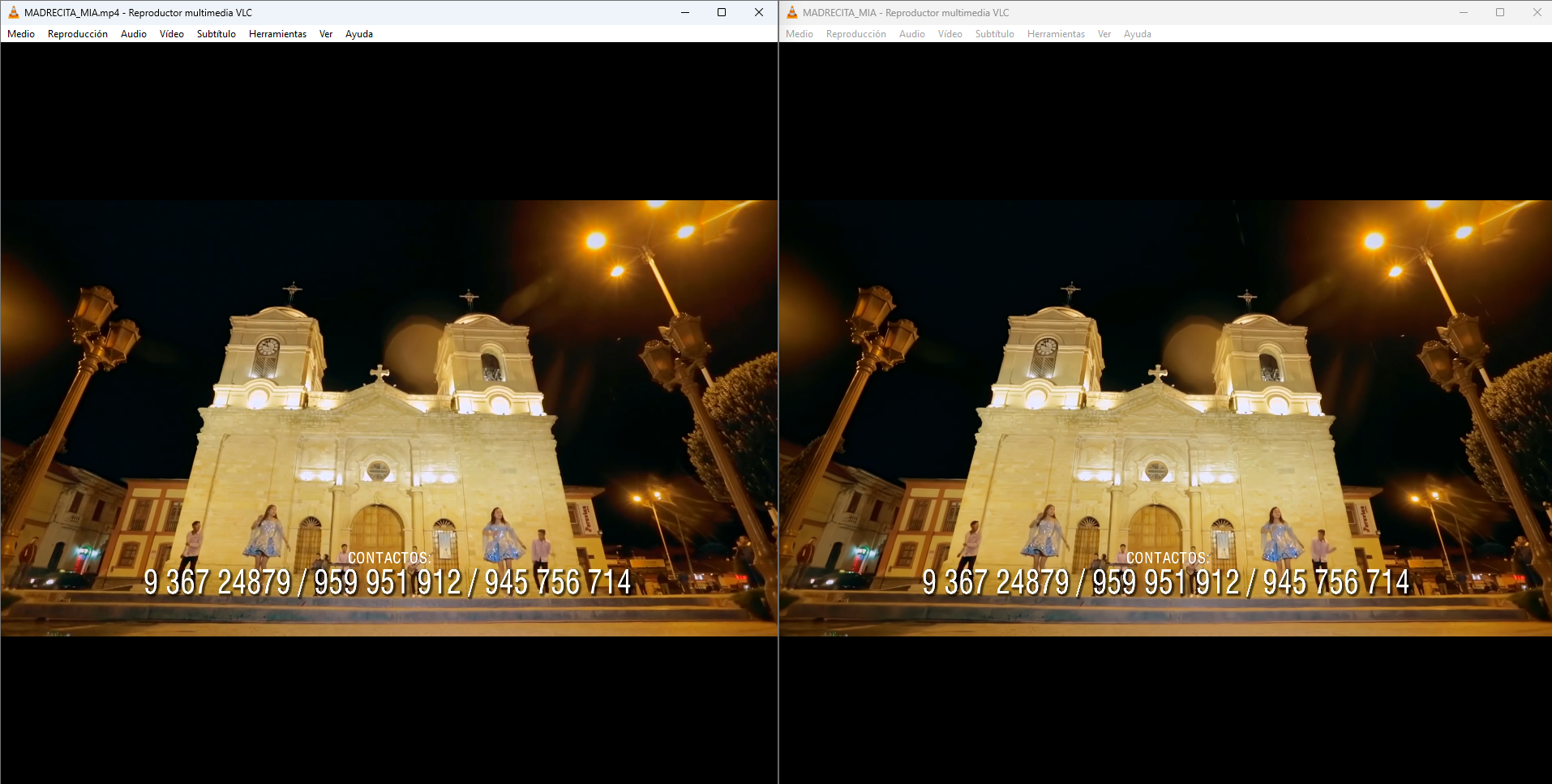
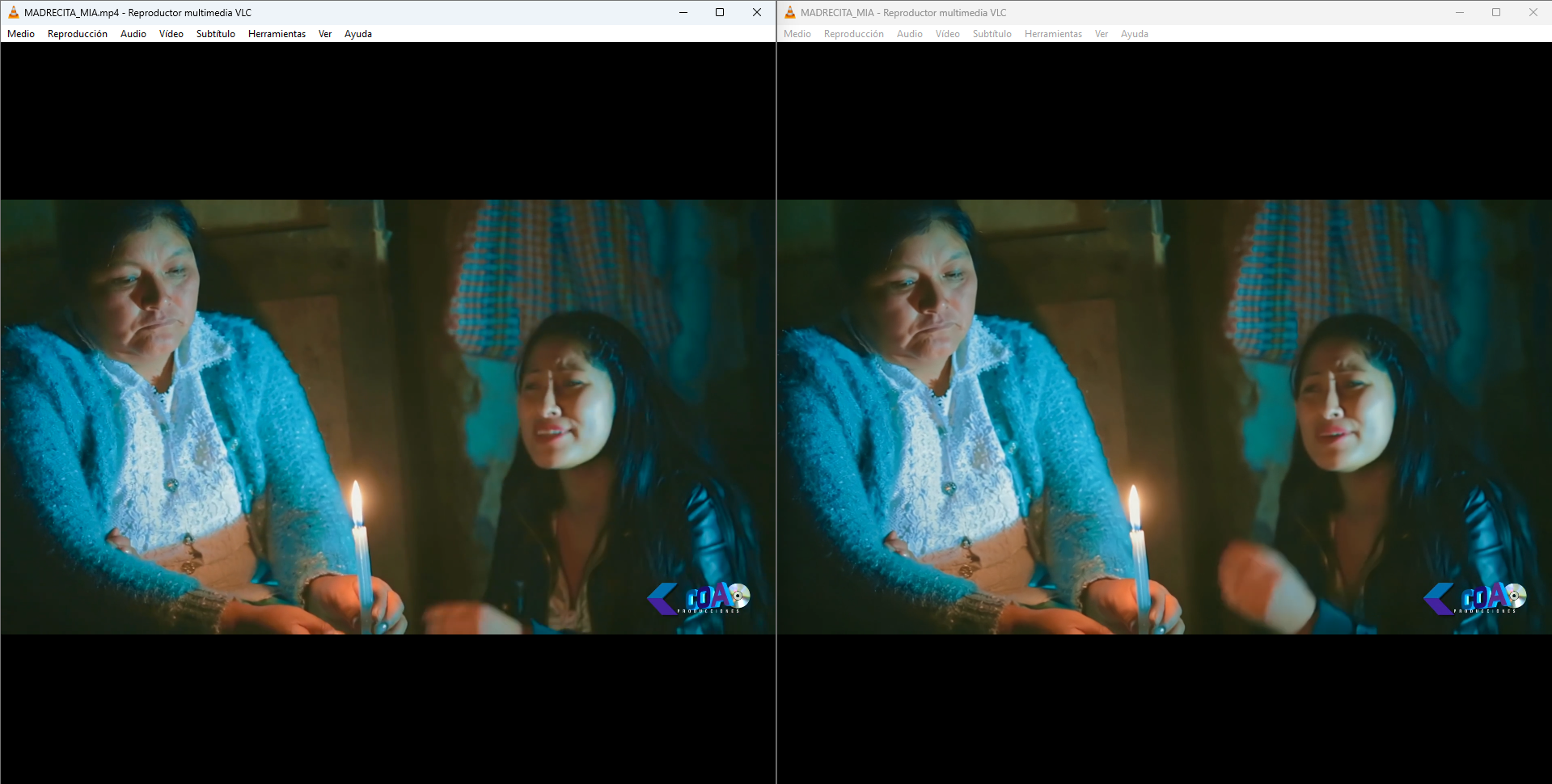
Edges and texture details are refined and enhanced, generating video frames with higher resolution than the original content for clearer visuals. By detecting banding and blocky artifacts, it restores smoother color gradients and produces sharper frames.
Supports HDR and Dolby Vision source processing & Processing Speed
RTX RapidHDR AI, leveraging deep-optimized neural network models and powerful hardware acceleration of NVIDIA RTX GPUs, achieves processing speeds up to 160 fps on a reference NVIDIA 4060 machine, significantly enhancing processing performance.
🔧Actual Test
TV series source
1080P ——> 4K output
Duration: 55 minutes
GPU: 5060TI 16G
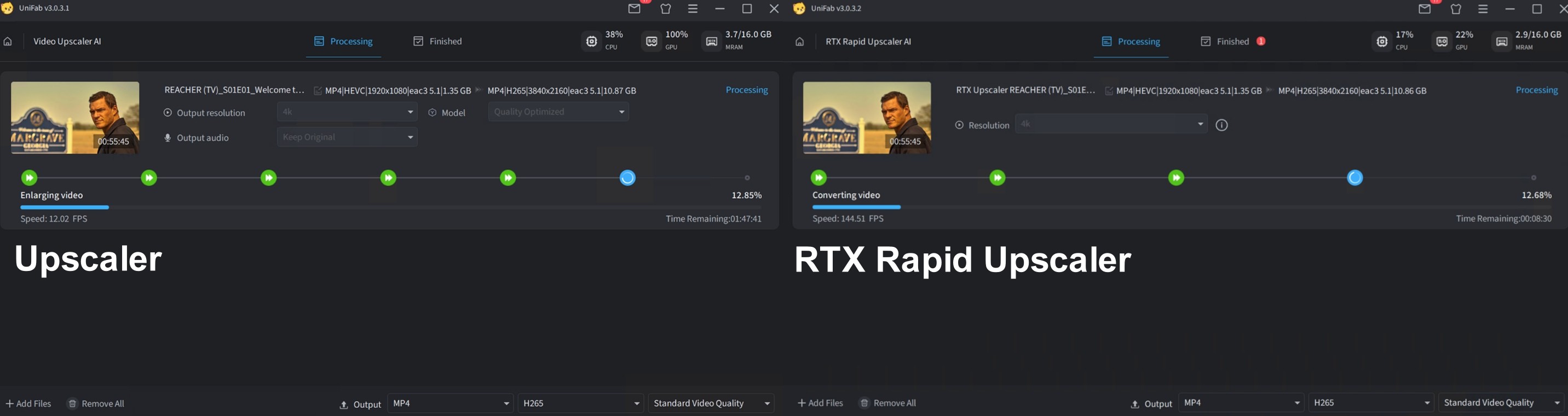
Video Upscaler AI
GPU Utilization: 100%
Speed: 12 FPS
Duration: 1 hour 49 minutes 12 seconds
RTX Rapid Upscaler AI
GPU utilization: 39%
Speed: 145FPS+
Time: 9 minutes 7 seconds
⚠ RTX Rapid Upscaler AI vs. Video Upscaler AI?
Video Upscaler AI is designed for users who pursue ultimate image quality, offering multiple deep enhancement AI models that support up to 16K resolution, delivering professional-grade results. However, the processing speed is relatively slower.
RTX Rapid Upscaler AI is developed to meet users’ demands for rapid processing, prioritizing speed. Leveraging NVIDIA RTX VSR technology and CUDA acceleration, it achieves fast and high-quality 4K image enhancement while incorporating built-in artifact removal. However, please note that its upscaling effect may not be as advanced as the former. We recommend selecting the option that best fits your requirements.🐱
🎥Learn more in the video
📋 How to Use
Upload Video: Drag and drop files in formats such as MP4, MKV, AVI into the interface.
Select Output Resolution: Choose the resolution you want for the enhanced output.
Generate and Export: Start AI processing with one click, then save the file when completed.
📥 Download Now
Click the link to get the free trial version: 👉 [Free Download]
Click on the product page to learn more👉 [RTX Rapid Upscaler AI]
💬 We Welcome Your Feedback!
As this is a newly released feature, we sincerely invite you to try it out and share your thoughts — your feedback is vital to us. If you have any questions or ideas, feel free to join our community discussion at any time.